
10 Tools and Services to Get PR for Your Startup
With Coverage Book, PR reporting is no longer a time consuming and complex process. Instead, you can create high quality reports within a matter of minutes. These can be used in many ways, such as sharing with your team and providing potential clients with more information regarding your company.
Some of the top features of Coverage Book include:
- Automated screenshots of all coverage.
- Ability to customize the appearance of every book that you create.
- Automated metrics, including data from Moz and SimilarWeb, among others.
- Opportunity to store all of your news coverage in one place.
On the surface, Coverage Book doesn’t appear to offer much, in terms of actually getting a press release or media coverage for your startup. However, once you learn more, you’ll find that the data you collect gives you a better idea of how to generate more results in the future without the need for an expensive PR firm.
Pro tip: review your coverage regularly, paying close attention to the types of journalists and sources that are most interested in your startup. You can then use this data to perfect future pitches.
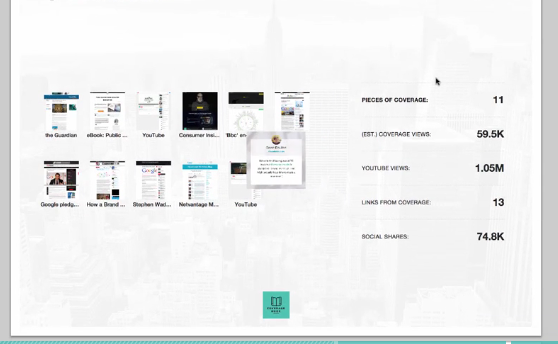
(via Coverage Book[3])
How do you go about finding relevant media relation contacts?
Even with the help of the internet, it can be a difficult task to create a list of media contacts relevant to your industry.
Fortunately, a tool like Anewstip can step in and provide you with the speed and efficiency you require.
With this tool on your side, you can quickly search for journalists and bloggers, based on what they’ve published or tweeted. By indexing “more than 200 million news articles and 1 billion tweets from more than 1 million media contacts,” you know you’ll always have access to the best information.
Best yet, this is one of the simplest public relation tools you’ll ever come across.
Getting started means plugging your brand, competitor or keyword into the search box.

At that point, you’re presented with results, based on your search. You can then break the data down another level, searching by: